> ## Documentation Index
> Fetch the complete documentation index at: https://docs.cdp.coinbase.com/llms.txt
> Use this file to discover all available pages before exploring further.
# Getting Started with Coinbase App
To get started with Coinbase App, [create an API key](#creating-api-keys) on the [Coinbase Developer Platform](https://portal.cdp.coinbase.com) (CDP).
API Key authentication should only be used to access your own account. To securely access the accounts of other Coinbase users, use [Coinbase App (OAuth2)](/coinbase-app/introduction/welcome).
## Creating API Keys
**Optional API Key File Download**
For enhanced security, API key files are no longer automatically downloaded. If you need to reference your API key via file path in your code, click the **Download API key** button in the modal to save the key file. Otherwise, you can copy the key details directly from the modal and use them as environment variables (recommended for better security).
To create a CDP API key:
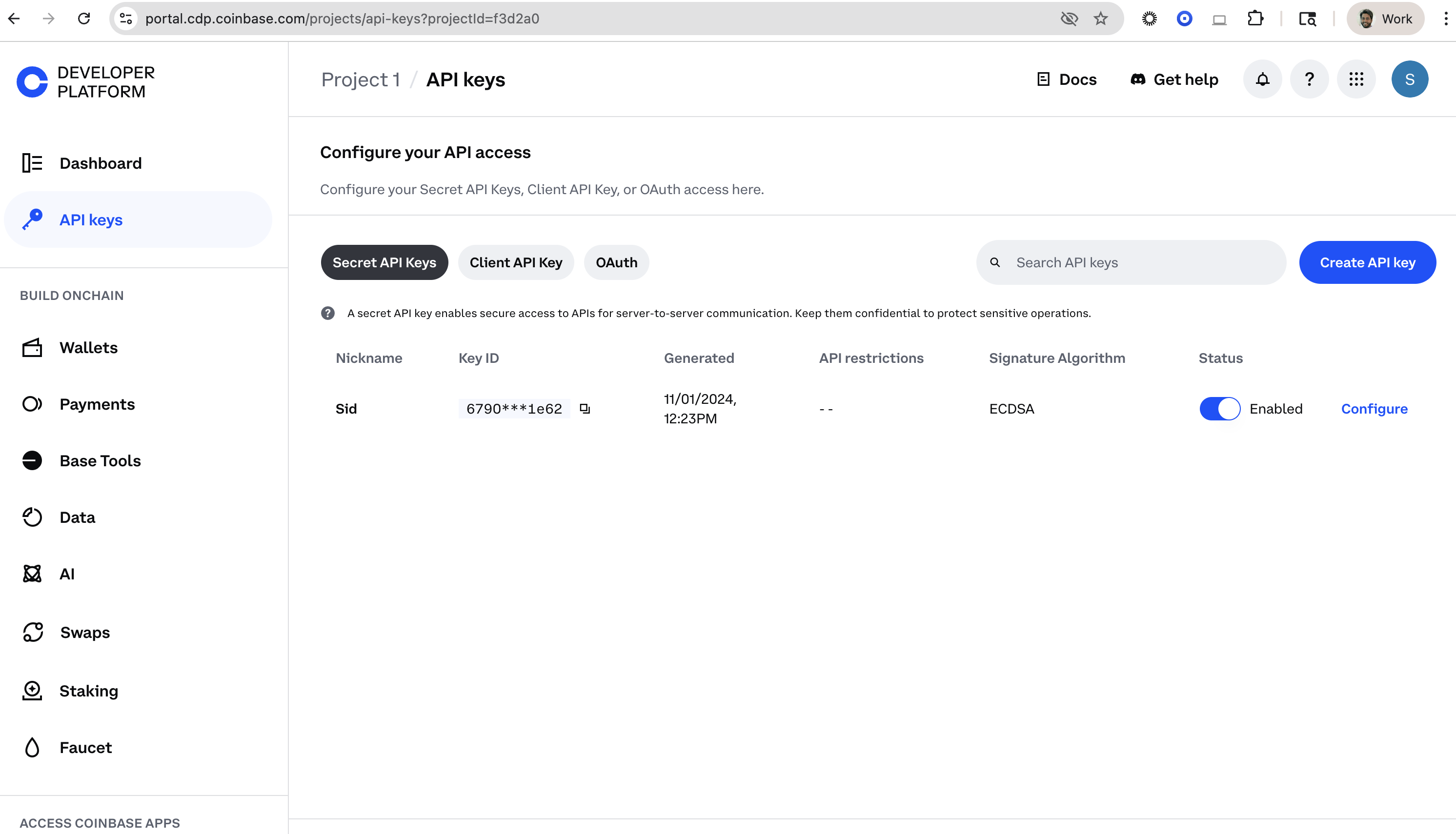
1. Navigate to the [CDP Access page](https://portal.cdp.coinbase.com/projects/api-keys).
2. Select the **API Keys** tab.
3. Click the **Create API key** button.
4. Enter an API key nickname and click **Create API key**.
5. Secure your private/public key pair in a safe location.
Use the **Configure** button to regenerate a key (by deleting and recrating), or building an allowlist (by clicking edit and API restrictions).