> ## Documentation Index
> Fetch the complete documentation index at: https://docs.cdp.coinbase.com/llms.txt
> Use this file to discover all available pages before exploring further.
# Delegation Flow
1. Go to [Polygon Wallet](https://wallet-dev.polygon.technology/staking/).
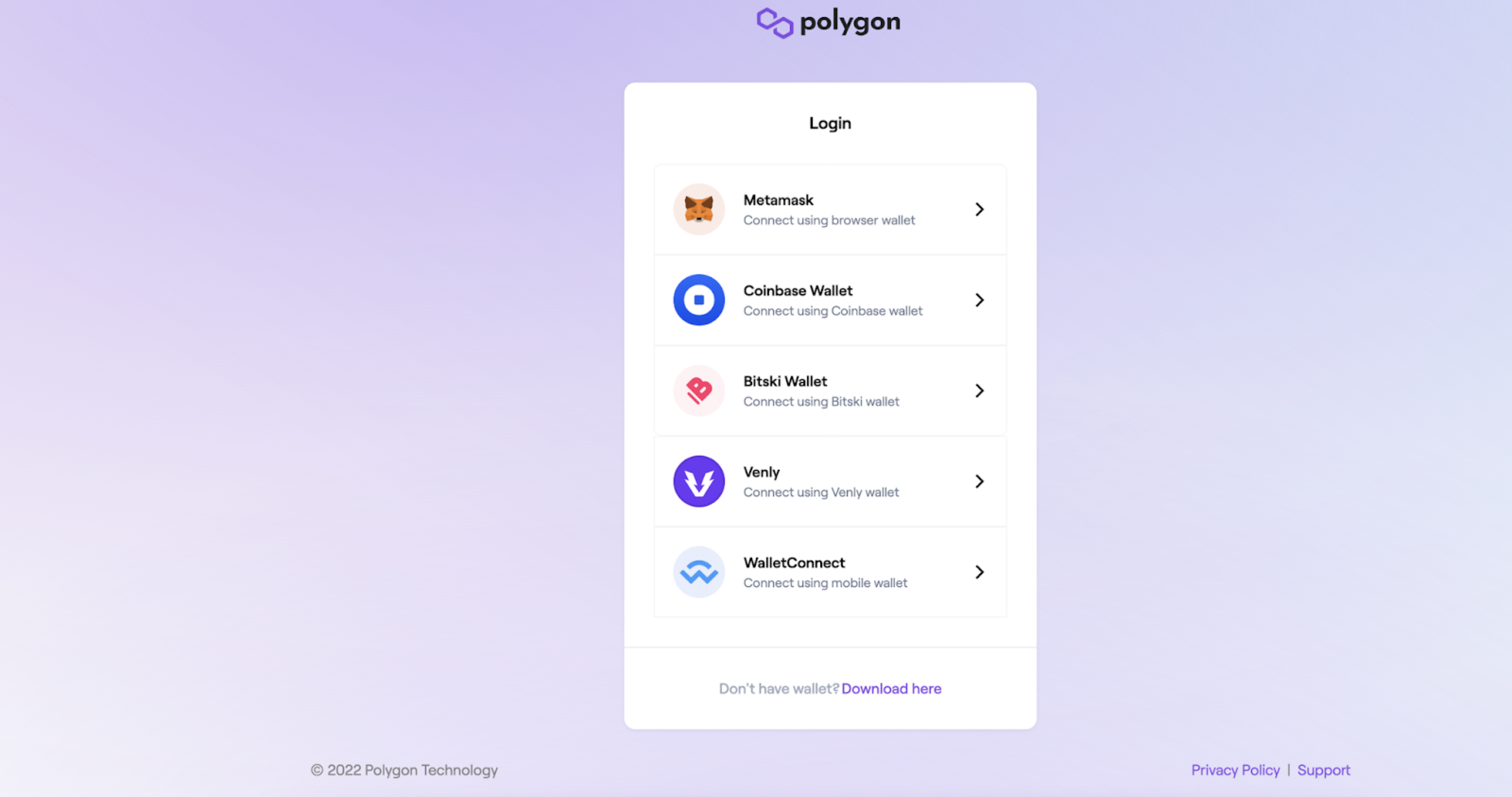
2. Connect Polygon Wallet to your self-custody wallet:
a. Click **Connect to a Wallet** (top right).
b. Select your self-custody wallet from the list (Coinbase Wallet, MetaMask, etc) and click **Connect**.
c. When prompted, sign again and confirm the connection.
 3. Select [Polygon Staking](https://wallet.polygon.technology/).
 4. Click **All Validators** (top left) to see a list of validators you can delegate to. Search for the “Coinbase” validator.
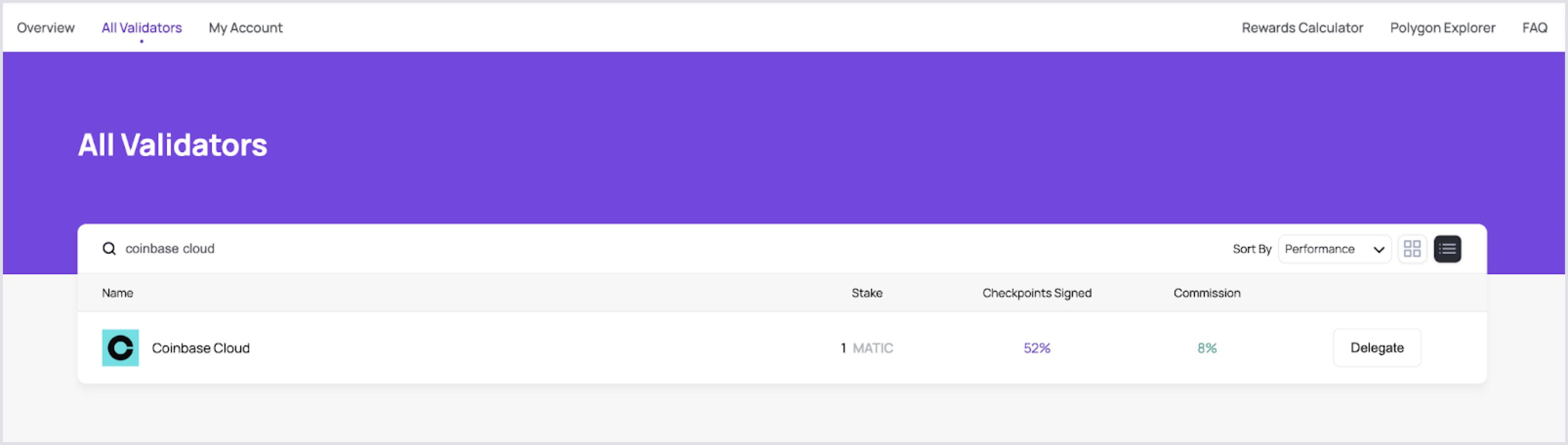 5. Select the Coinbase validator, and click **Delegate**.
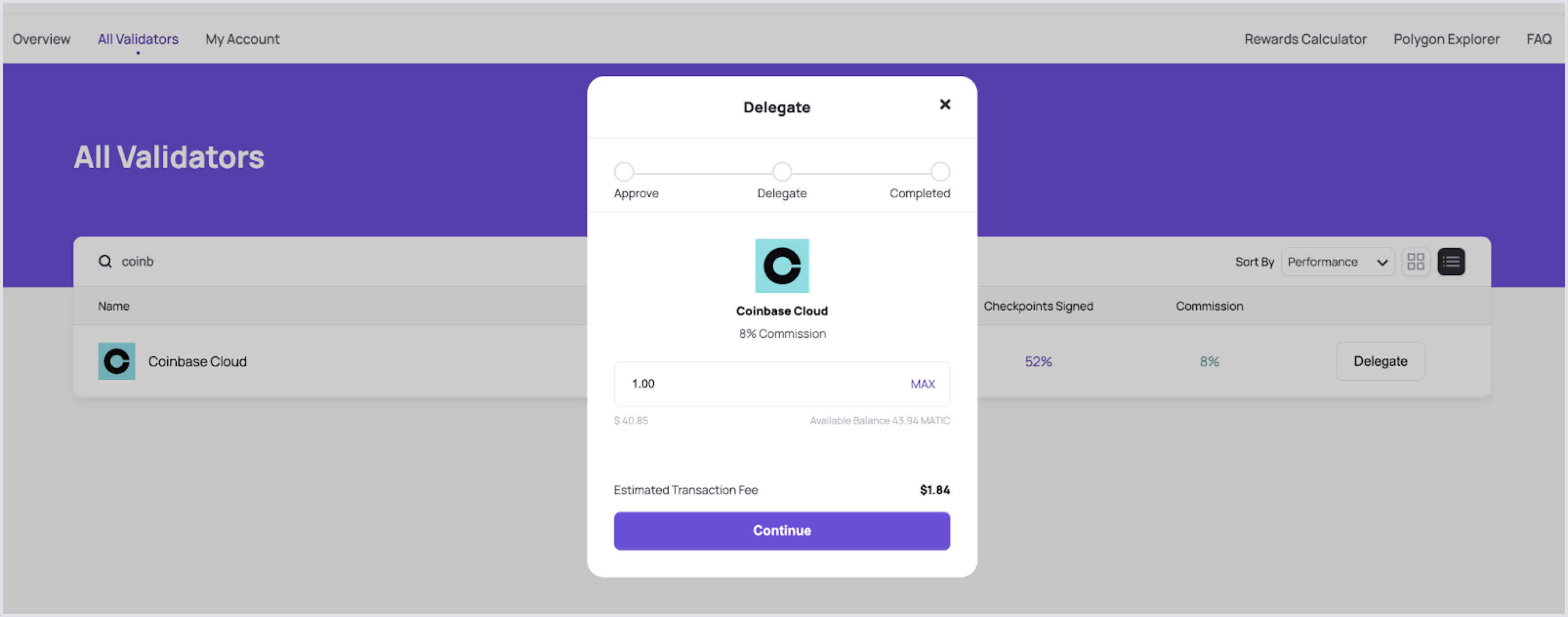
6. Enter the amount of MATIC you wish to delegate and click **Continue**. This step approves the delegation.
5. Select the Coinbase validator, and click **Delegate**.
6. Enter the amount of MATIC you wish to delegate and click **Continue**. This step approves the delegation.
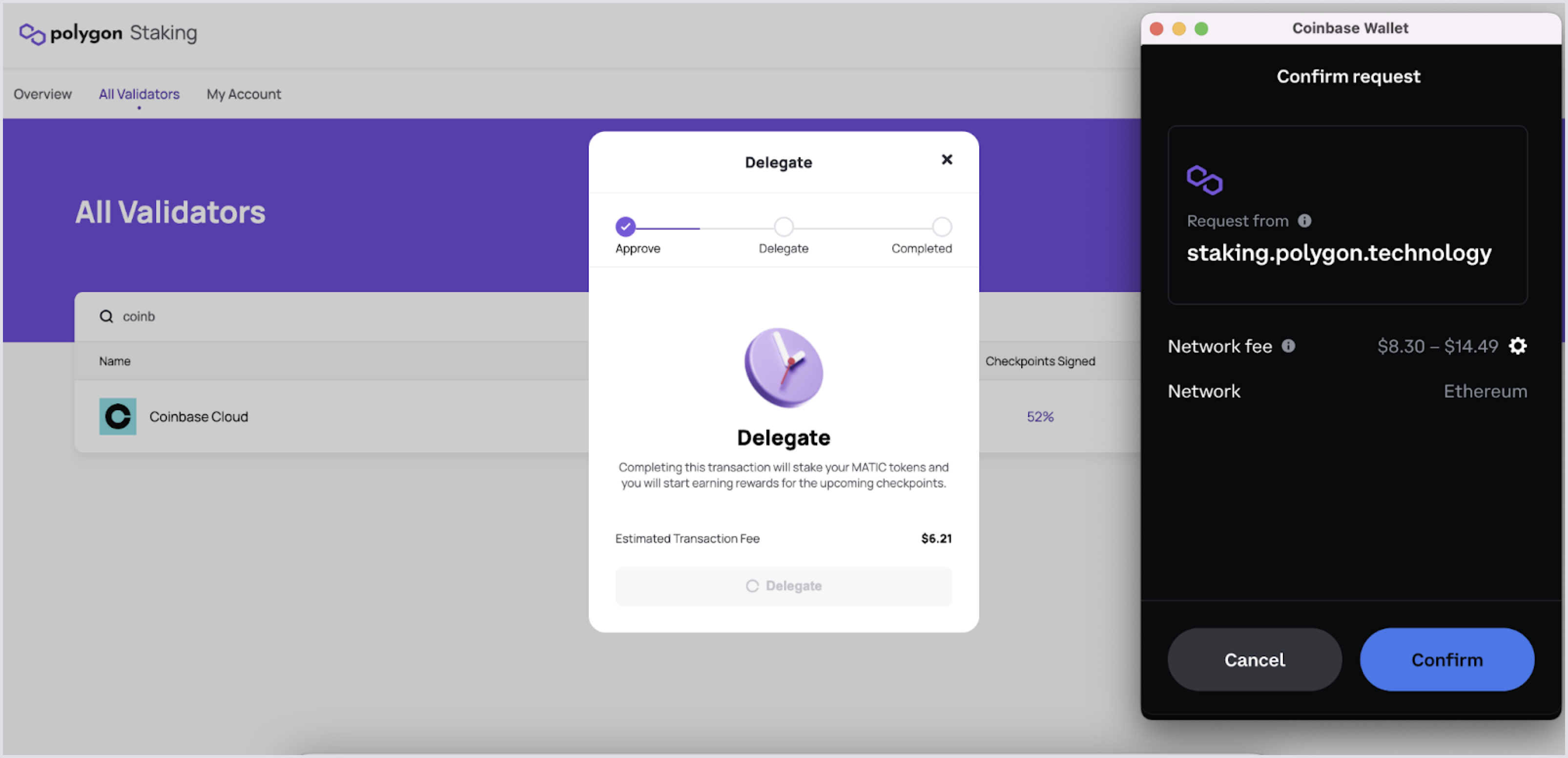
 7. Sign a second transaction to actually delegate your MATIC to Coinbase validator or your chosen validator.