

Looking for a native in-app experience? See Headless Onramp for Apple Pay and Google Pay integration.
Prerequisites
Before you begin, you’ll need:A CDP account
A CDP account
Create your free Coinbase Developer Platform account. Verify your email and set up 2-factor authentication (2FA).
CDP Secret API Key
CDP Secret API Key
Navigate to the API Keys tab in CDP Portal. Under the Secret API Key tab, create your API key by entering a nickname (restrictions are optional).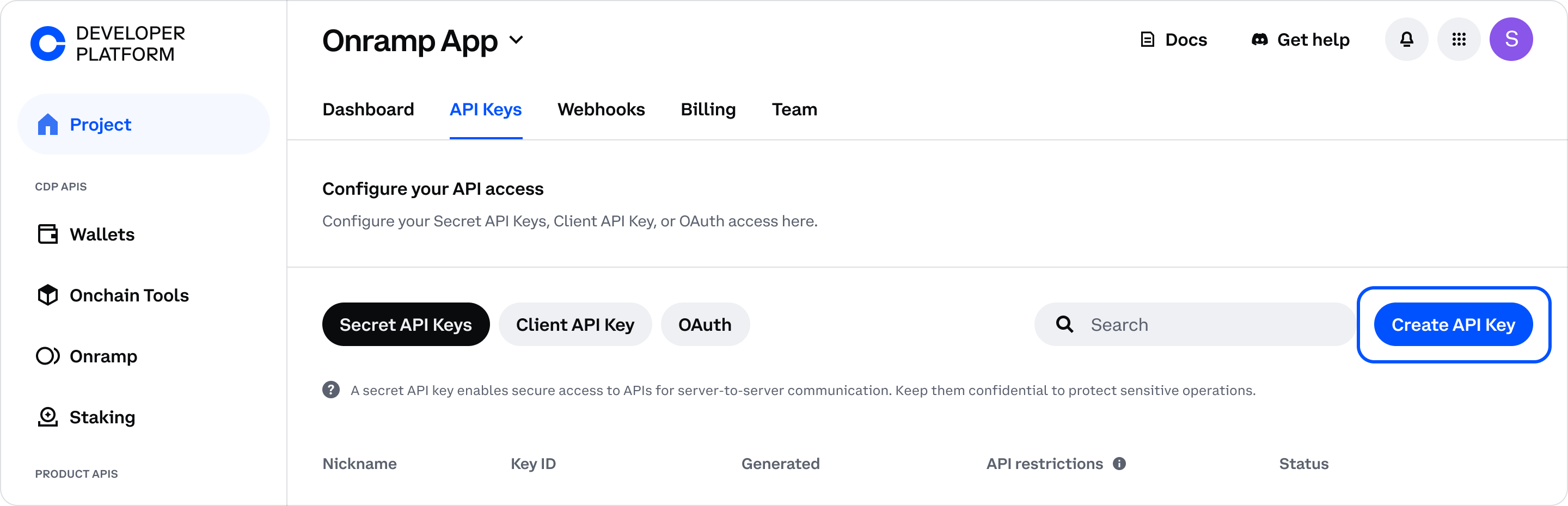
API key files are no longer automatically downloaded. Click Download API key to save the key file to your Downloads folder, or copy the details directly from the modal to use as environment variables.
cdpcurl
cdpcurl
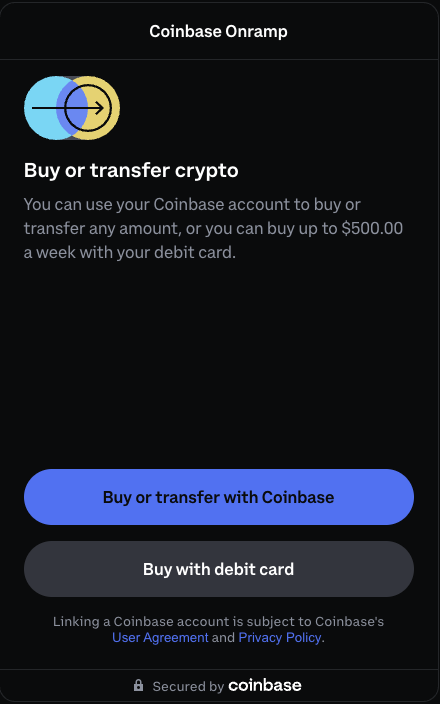
Try Onramp
Generate a session token and create an onramp URL to enable users to purchase crypto.1. Create a session token
Generate a session token with a destination wallet address. For example:192.0.2.1 is used as a placeholder client in order to test the request locally. In production, you must pass the real user’s IP address.
The response includes a token you’ll use to create the onramp URL. For example:
2. Direct users to Onramp
Use the session token to construct a URL that opens the Coinbase-hosted onramp experience:Local testing: Query parameters
Local testing: Query parameters
You can add these optional query parameters:
partnerUserRef: Any unique string to track this user’s transactions (e.g.,test-user,user-123)redirectUrl: Where to send users after completing purchase (e.g.,http://localhost:3000)
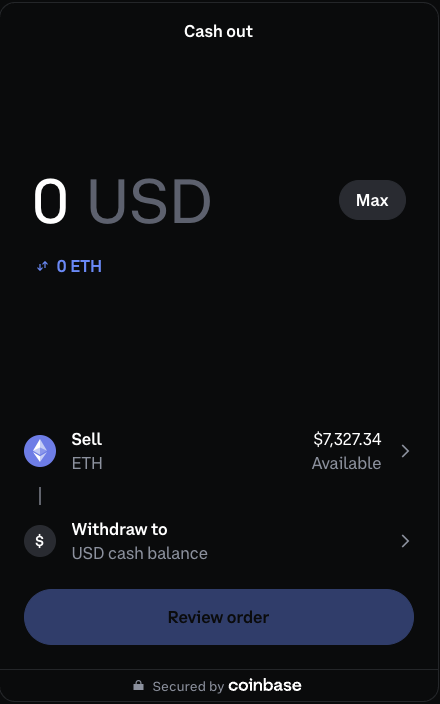
Try Offramp
Generate a session token and create an offramp URL to enable users to cash out crypto to fiat.1. Create a session token
Generate a session token with the user’s wallet address. For example:token you’ll use to create the offramp URL. For example:
The same token endpoint (
/onramp/v1/token) is used for both Onramp and Offramp. However, each token is single-use and expires after 5 minutes, so you need to create a new token for each user session.2. Direct users to the offramp
Construct an offramp URL with the required parameters:YOUR_TOKENwith the token from the previous steptest-userwith any unique string to identify this userhttp://localhost:3000with your redirect URL
What to build next
Set up webhooks
Receive real-time transaction notifications.
Explore sandbox testing
Test your integration without real funds.
Review security requirements
Implement CORS and authentication requirements.