

Overview
Apple App Attest lets the CDP backend cryptographically verify that requests come from your genuine, verified iOS app running on a real Apple device. The SDK handles attestation automatically. You only need to install the package and add one import statement, add a capability in Xcode, and configure the CDP Portal.Prerequisites
- A free CDP Portal account and project
- A React Native app using the CDP React Native SDK
- An Apple Developer account
- A physical iOS device running iOS 14 or later (simulators are not supported)
Setup
Install packages
react-native-device-info is required so the SDK can read your app’s bundle ID and match it against the configuration in the CDP Portal.Add the import to your app entry point
Add the following import at the top of your app’s entry point:This import self-registers the attestation module with the CDP SDK.
No additional function calls are needed.
Enable App Attest in Xcode
- Open your project in Xcode.
- Select your app target.
- Go to Signing & Capabilities.
- Click + Capability and add App Attest.
com.apple.developer.devicecheck.appattest-environment entitlement to your app.The CDP backend accepts both the
development and production App Attest environments.Configure your app in CDP Portal
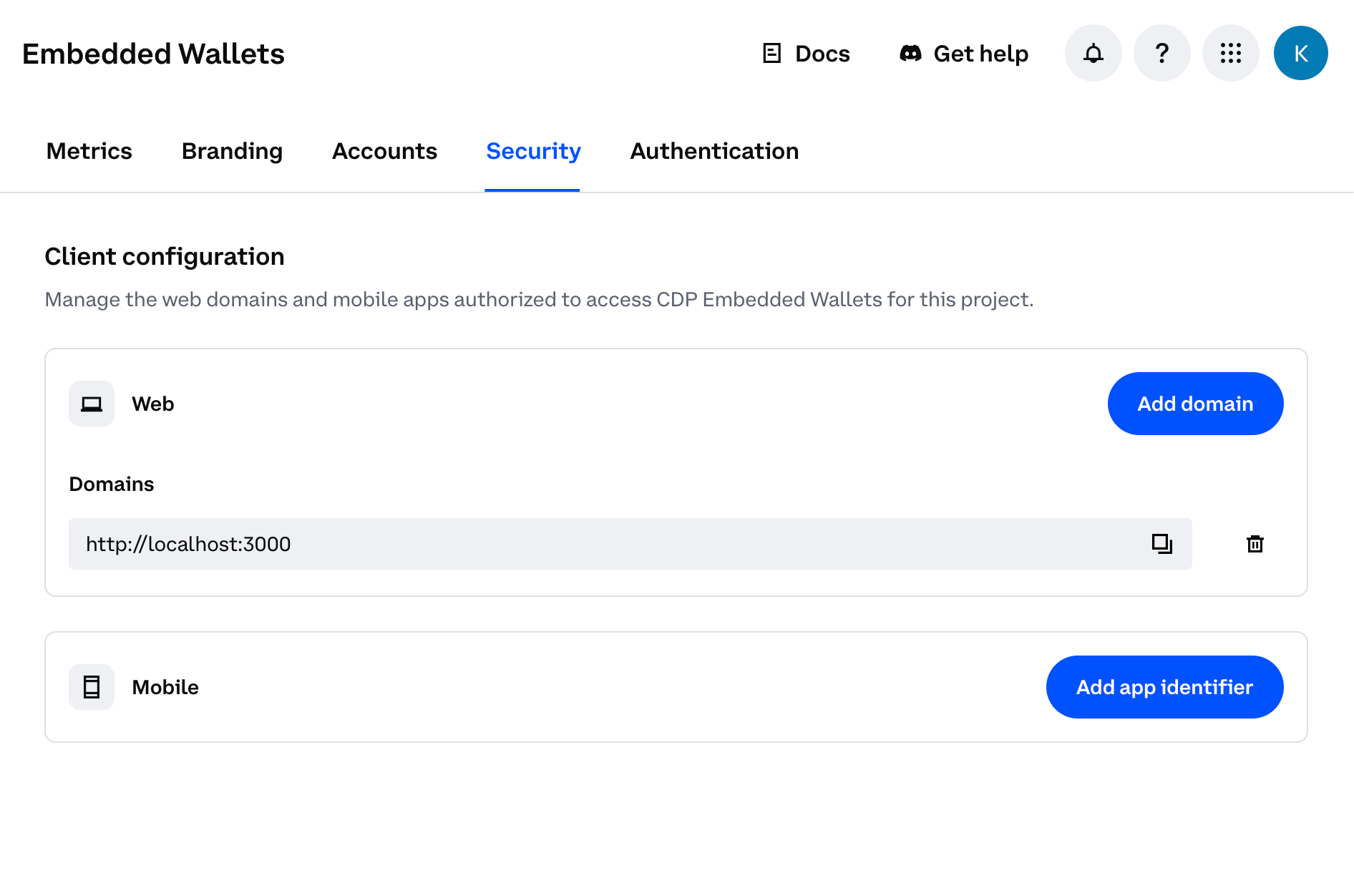
ABC123DEF4).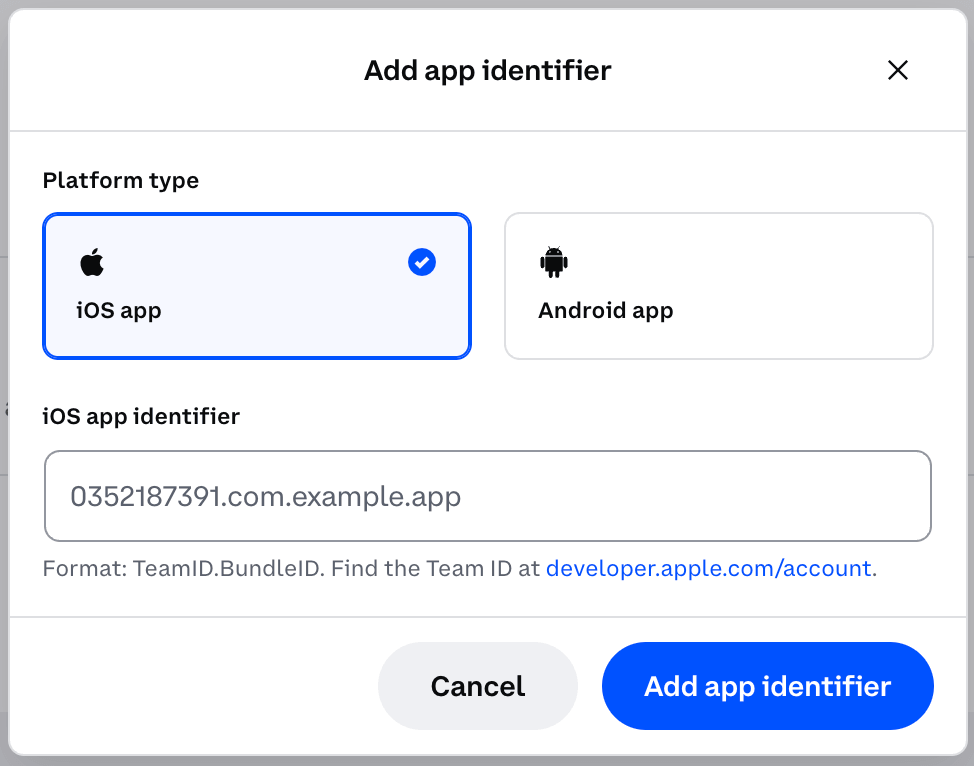
How it works
No additional code is required after the import. For operations that require it, such as login OTP requests, the SDK automatically attaches cryptographic proof with no user interaction required.Validation is performed server-side by CDP and is entirely transparent to your users.
Enabling attestation in the portal takes effect immediately. Ensure the updated app version with
@coinbase/cdp-app-attest installed and imported is fully rolled out to all your users before enabling attestation in the portal. If attestation is enabled while users are still on an older version without the package, they will experience authentication errors.Troubleshooting
"Attestation module not registered" warning
"Attestation module not registered" warning
You will see this console warning:The
@coinbase/cdp-app-attest import is missing from your app entry point. Add it at the top of the file.Attestation fails on simulator
Attestation fails on simulator
Apple App Attest requires a physical device. Run your app on a real iOS device for attestation to work.
Users see authentication errors after you have enabled attestation
Users see authentication errors after you have enabled attestation
- Verify the bundle ID in CDP Portal matches your app binary.
- Confirm
@coinbase/cdp-app-attestis imported in your app entry point. - Confirm
react-native-device-infois installed. - Confirm the App Attest capability is enabled in your entitlements.
- Confirm you are testing on a physical device, not a simulator.
What to read next
- Android Play Integrity - set up attestation for Android
- Mobile App Attestation Overview - understand what attestation protects and how to configure the CDP Portal
- React Native Quickstart - get started with CDP embedded wallets in React Native